Web Hosting Control Panels
Web Hosting Control Panels are a type of software environment used to manage a web hosting account. It is the interface presented to the user which allows easy management of all things web hosting.
The reason for the existence of such control panels is that shared hosting accounts are not really full server environments but only a restricted partition of a web server containing only the necessary functionality to manage the account. The user is not given access to low-level server environment configuration settings because these might be misconfigured and this might eventually lead to breaking things in the server.
There is also the matter of being able to configure things without becoming a “techie”. It is much easier and clear to use a menu with icons instead of editing text files with funny configuration settings.
For these reasons, the web hosting control panel breed of software emerged. Web control panels are used everywhere today and are very well presented and configured to assist users in performing all the necessary web hosting tasks in a simple and efficient way.
cPanel
cPanel is one of the most important and well-known web hosting control panels. It is used in thousands - if not millions - of web hosts around the world for the purpose of managing web hosting accounts.
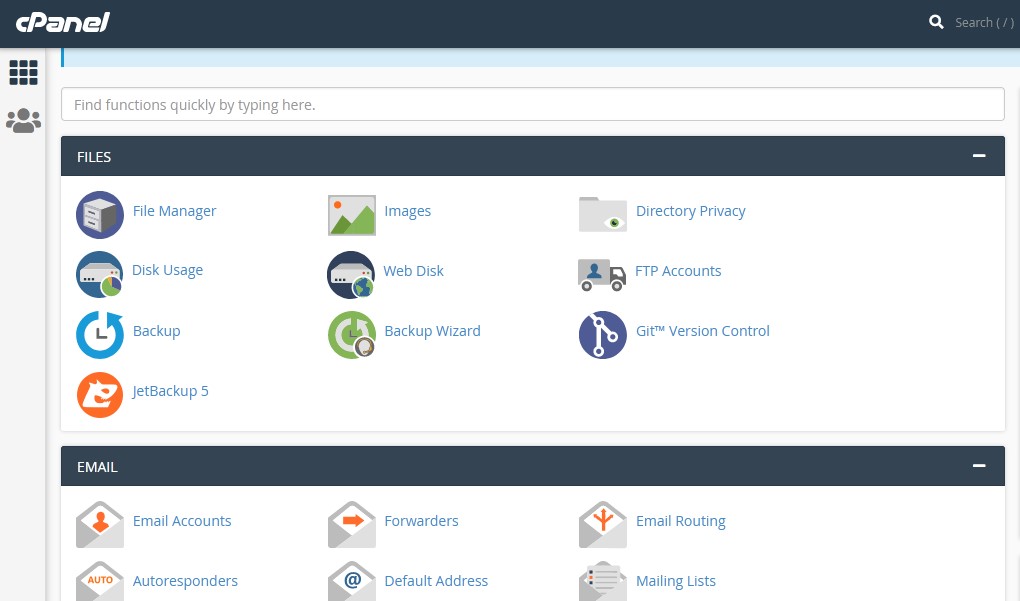
cPanel provides us with several functionalities to achieve several tasks required to manage our web hosting account. It allows us to upload and manage the web site files (html, css, image files etc.). It provides us with the ability to create user mailboxes, setup forwarders and many other email-relevant operations. It allows us to manage online databases, security and certificates, setup statistics and many other aspects of our online website presence.
When you get a new hosting account, your host will provide you with an activation email which contains necessary information about your account. Within this information you will find your cPanel login credentials.
After you login to cPanel, you will be presented with the initial cPanel page which is a menu with many options which appear as icons. These icons are grouped in sections depending on their type of functionality.
File Management
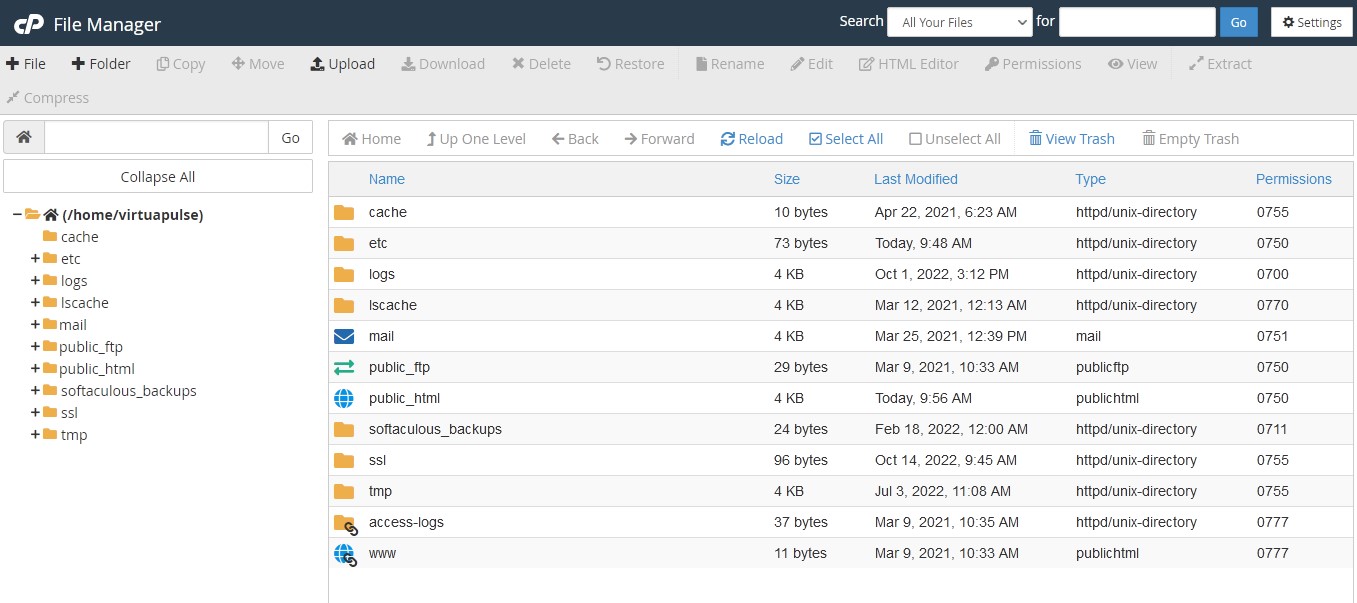
The mostly used section is the files section because it has the File Manager icon. This takes us to a file management interface which allows us to upload and manage files. This is how we upload our HTML and other files when our website is a static website made with HTML in our computer.
Email Management
The email section is used to create the email addresses of our users. It contains the setup for users and also features autoresponders (automatic responses to emails) and email forwarders.
Databases
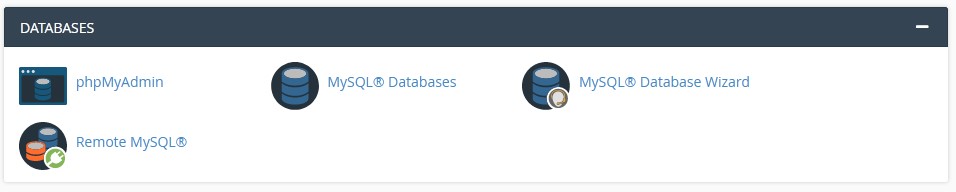
cPanel allows you to create mySQL databases for the needs of the software you install, or for your own scripts that you developed yourself. For this, there is a database section which allows the creation of databases, database users and database management. The latter is usually done by using an app called PHPmyadmin.
Security
The security section contains several options related to website security. The most well-known are the SSL certificates options which are nowadays a necessity rather than an optional feature. You can install a certificate for your website using the cPanel SSL/TLS app. cPanel supports installing a certificate which you received independently of cPanel, from a third party (a certificate authority). But it also gives you the option to create a quick cert for free, by using the Let’s Encrypt certificate app.
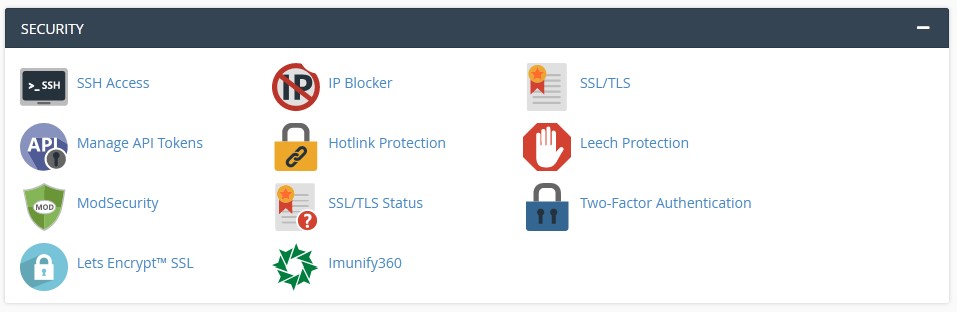
Other options in the security section provide you with the ability to block certain IP addresses or ranges, setup two-factor authentication and other relevant actions.
Other functionalities and Scripts
Other cPanel sections provide you with functionalities like metrics / statistics, software installation of well-known scripts, domain and DNS management, user management.
The software installation is done by software apps that host the installation packages of several scripts like CMS systems, portals, eShops and many others. These scripts are usually free. Two very well-known installation apps are Softaculous and Installatron. cPanel supports both these but it is up to your host to choose if they will enable both or just one of them, as they have overlapping functionality.
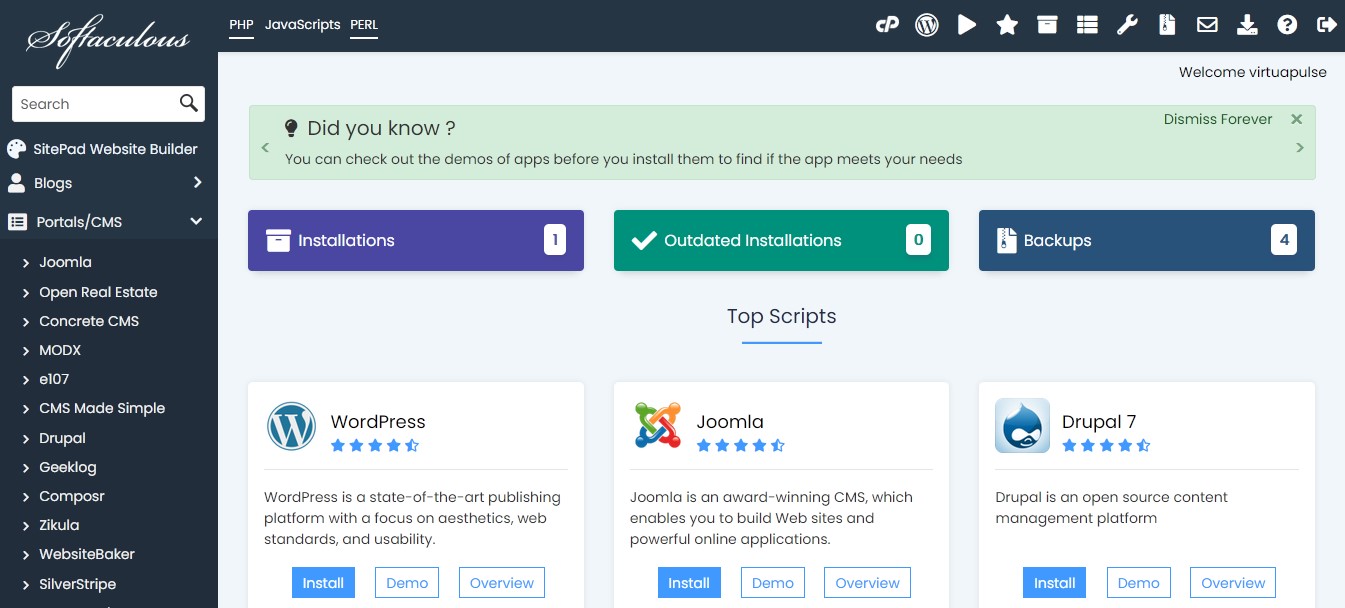
The important thing with software installations is that using Softaculous or Installatron enables you to install software with a 1-click process. This installation would otherwise be complicated and time consuming.
Support for new Development Languages
cPanel is state of the art and it seems to be keeping up with the technology very well. As more development languages become more mainstream, cPanel integrates support for them. For example, today, cPanel provides support to create a Python, Ruby or Node.js application, recognizing that these environments are worth supporting due to their extended usage by the development community. cPanel is made to be easy for most users but also caters for the expert users by providing advanced functionality options such as DNS, Cron Jobs, Cache management, domain aliases, redirects and many others.
Conclusion
cPanel is a very advanced, sophisticated and important control panel. It provides the users with many functionalities and capabilities and enables easy administration of our web hosting account. cPanel is always at the edge of technology, supporting the latest trends and programming languages, as well as supporting expert users.
Learn more about cPanel: